
12 KiB

my-resume2
Do you want to have a resume online? You can use this project to easily mount your data with your pictures.
Explore the docs »
View Demo 1
·
View Demo 2
·
Report Bug
·
Request Feature
Table of Contents
About The Project
This is a NodeJS application that exposes a resume. I was inspired by the design of other resume projects (see Acknowledgments) and created my own version.
Highlights
- Modern hero/timeline layout with projects grid, skill levels, and testimonial slider
- Light/dark theme toggle (persisted) and themed cards/headings
- JSON-driven content for links (with labels/icons), projects, skills (levels/recent), testimonials (avatars/ratings), and interests
- Three built-in examples selectable via
example=1|2|3plus Dockerized runtime - Bundled fresh light/dark screenshots in
docs/
Demo Screenshots
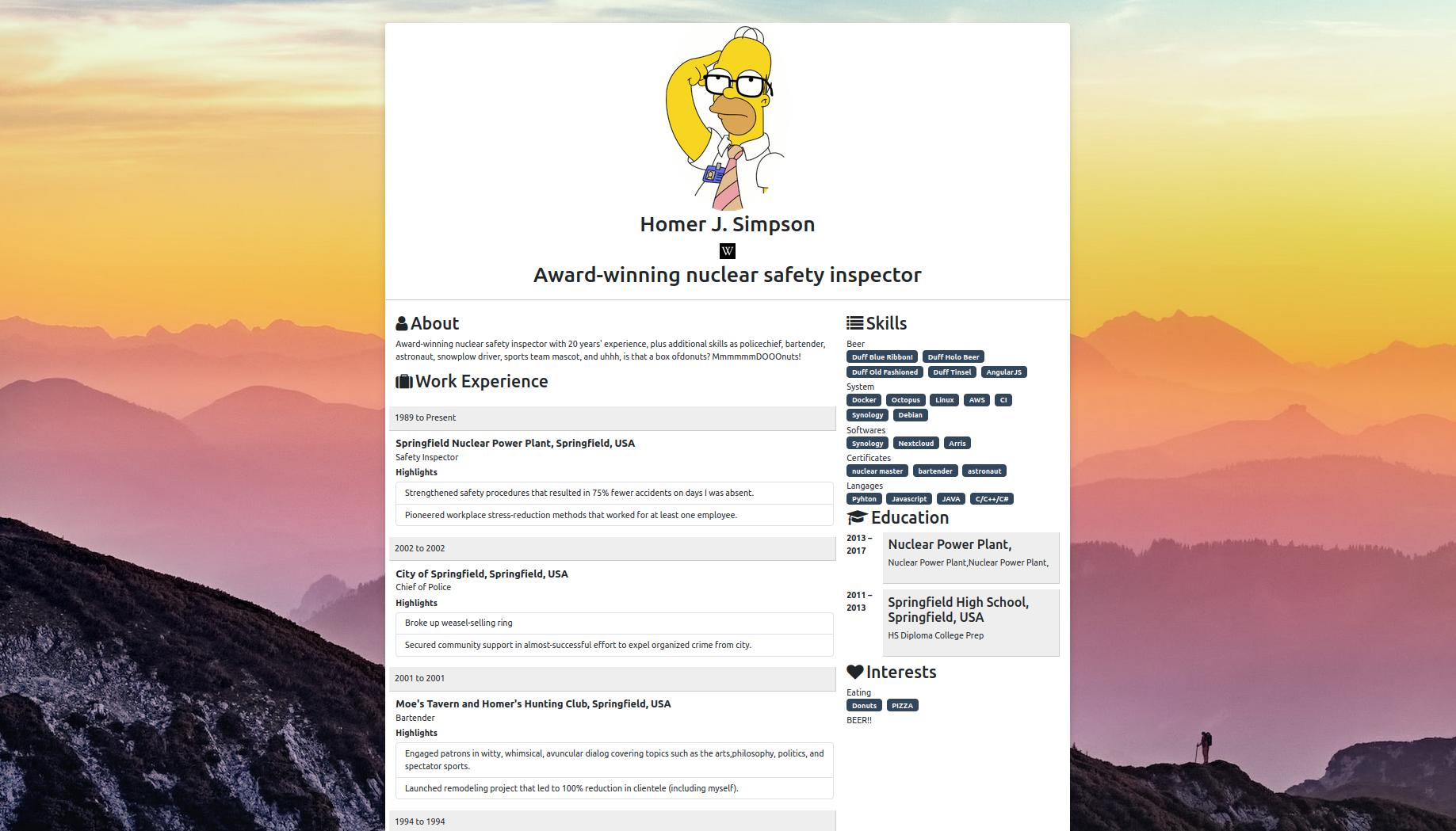
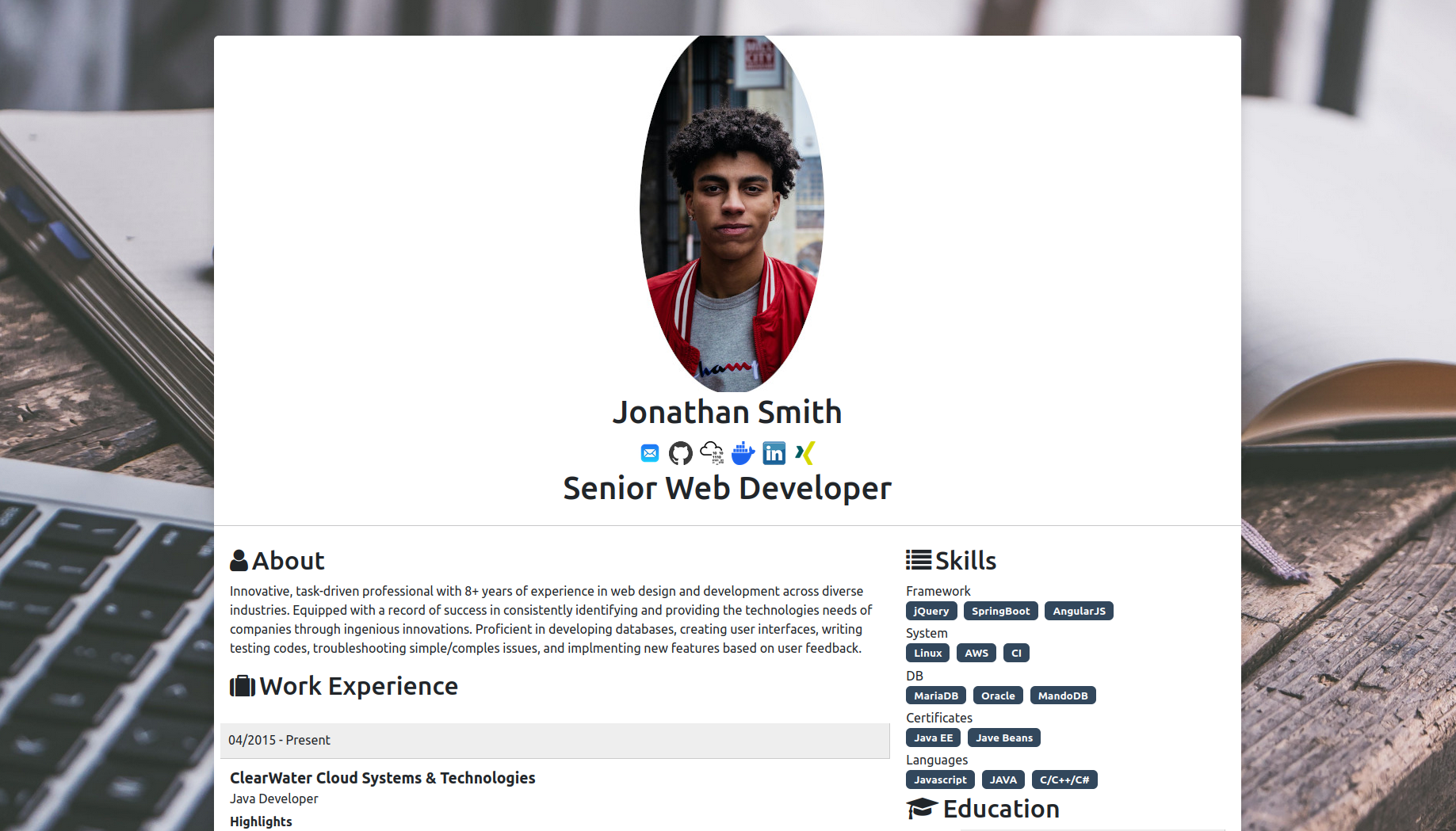
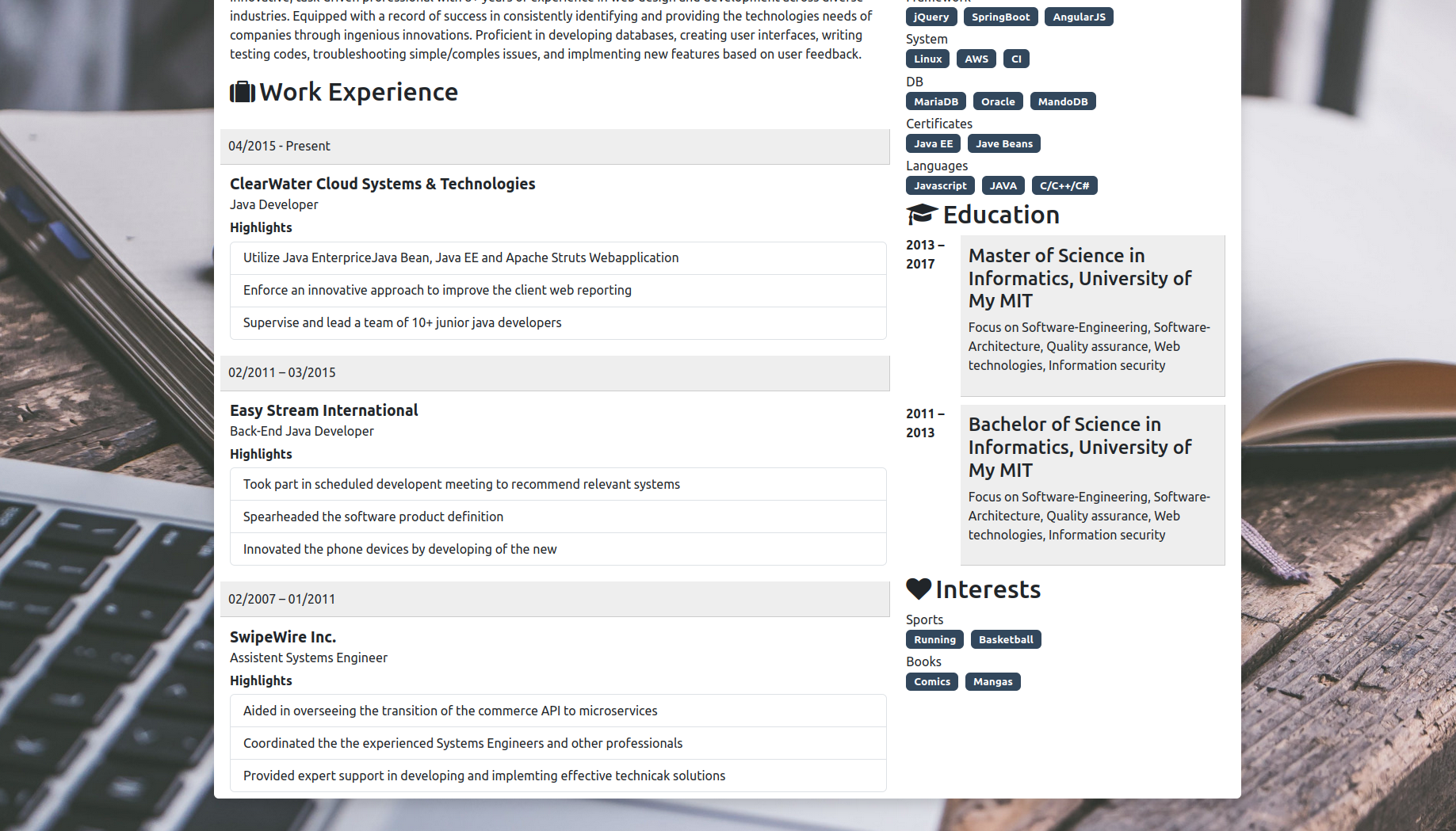
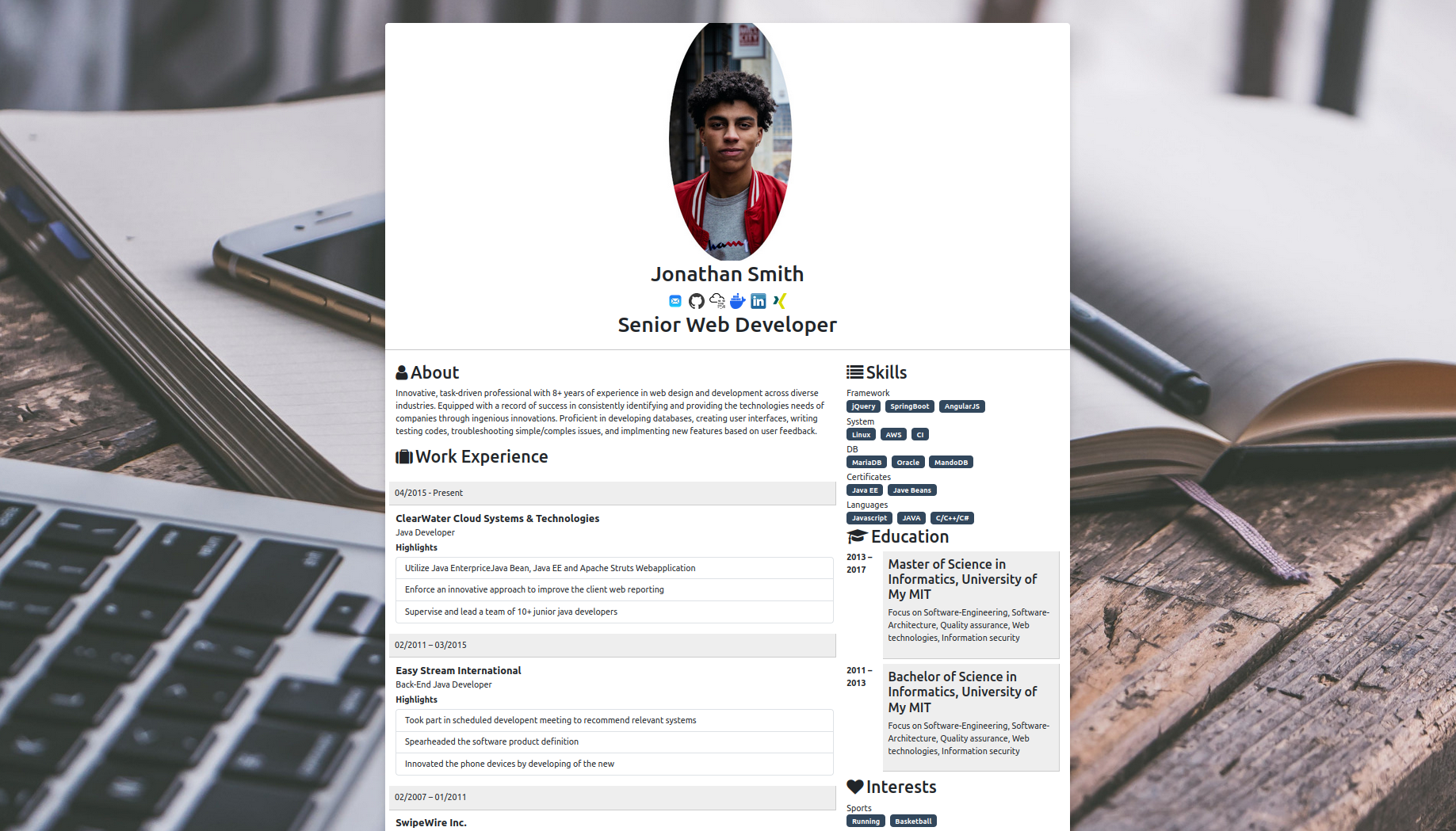


Screenshots
Light

Dark

Built With





Getting Started
To get a local copy up and running, follow these steps.
Usage with Docker
The application is dockerized.



Pull with:
docker pull blade34242/my-resume2:latest
You can run examples from the demos using (mapped to local ports):
docker run --name HomerResume -p 8001:5555 -e example=1 -d blade34242/my-resume2:latest
docker run --name DevResume -p 8002:5555 -e example=2 -d blade34242/my-resume2:latest
docker run --name AlexResume -p 8003:5555 -e example=3 -d blade34242/my-resume2:latest
To start with your own resume, follow these steps:
-
Create a folder, copy one of the example files like
me.jsonfrom<public/examples/cvExample2>, and add your image asme.jpgand background image. -
Run the following command and add your mount path:
docker run --name MyResume -p 8003:5555 -v <MY_MOUNT_PATH_LOCAL>:/home/node/app/public/ress/mountedRess -d blade34242/my-resume2:latest

Adjusting port: set `-e PORT=<port>` if you want the container to listen on a different internal port, and update the `-p <host>:<container>` mapping accordingly.
- Customize your icons and images as described in the instructions.
Usage without Docker
-
Clone the repo:
git clone https://github.com/blade34242/my-resume2.git -
Install NPM packages:
npm install -
Start the app:
npm startThe app listens on env
PORT(default5555). -
Customize the
me.jsonin<public/ress/mountedRess>, add your image asme.jpgand background asbackground.jpg.
Env configuration:
PORT: Port the app listens on (default5555). Example:PORT=8080 npm startexample: Selects built-in data on first run:1forcvExample1,2forcvExample2. Example:example=2 npm start
Required fields in me.json (basic validation):
- Strings:
picture,name,header,about - Arrays:
links,workexperiences,menus,educations,interests
Node version
This project runs on Node 20+ (tested on Node 22). If you use nvm:
nvm install 22 && nvm use 22
CI/CD (GitHub Actions)
Two workflows are included in .github/workflows/:
Node CI: Installs dependencies and runs lint on pushes/PRs tomain.Docker Publish: Builds and pushes the Docker image on pushes tomainand tags (v*.*.*).
Setup for Docker Hub publishing:
- Create a repository on Docker Hub, e.g.
yourname/my-resume2. - In your GitHub repo Settings → Secrets and variables → Actions, add:
DOCKERHUB_USERNAME: your Docker Hub usernameDOCKERHUB_TOKEN: a Docker Hub Access TokenIMAGE_NAME: e.g.yourname/my-resume2
- Push to
mainto publish:latest, or create a tag likev1.2.3to publish a versioned tag.
Badges:


Releases
-
Create a semver tag to publish a versioned Docker image, e.g.:
git tag v4.0.2 && git push origin v4.0.2 -
Expected Docker tags:
lateston pushes tomainv4.0.2on the tag push (replace with your version)
Changelog
4.1 - UI Refresh + Content
- Light/dark theme toggle with improved heading contrast and themed cards
- Projects grid, skill levels, testimonial carousel, contact strip
- New example 3 (
example=3), extra links (Portfolio/CV), and refreshed screenshots indocs/
4.0 - Modernize + CI/CD
- Node 22 base image, reproducible Docker builds, non-root run
- PORT env support; unified
exampleenv - Basic me.json validation with clear error messages
- ESLint setup and Node CI workflow
- Docker publish workflow (push
lateston main, semver tags on releases)
3.5 - Major Bugfix and Logging Improvement
- Enhanced logging with log4js
3.4 - New Features
- Added new config enableTestimonials and showTestimonialsInMain
- Option to display testimonials in main content or under interests
v3.3 - New Features
- Enhanced logging with log4js
v3.2 - BugFix
v3.1 - Enhancements and Bug Fixes
- Fixed custom icon loading in mounted resume folder
- Optimized Docker image size and build process
- Improved layout for mobile responsiveness
- Updated documentation
v3.0 - Initial Release
- Project setup and initial configuration
- Added Docker support with sample resume examples
- Basic resume structure with customizable
me.json - Integrated Express, EJS, and Bootstrap for layout and styling
- Provided example resumes (Homer and Jonathan)
Config Explaination
enableTestimonials:
Type: Boolean (true / false)
Description: This configuration controls whether the testimonials section is displayed. If set to true, the testimonials will be shown on the page. If set to false, the testimonials section will be hidden.
showTestimonialsInMain:
Type: Boolean (true / false)
Description: This setting controls the location of the testimonials section. When true, the testimonials will appear in the main content area (below work experience). If false, the testimonials will be displayed under the "Interests" section.
Roadmap
- PDF Export Feature
- Logger mount file/folder
See the open issues for a full list of proposed features (and known issues).
Contributing
Contributions are what make the open-source community such an amazing place to learn, inspire, and create. Any contributions you make are greatly appreciated.
If you have a suggestion that would make this project better, please fork the repo and create a pull request. You can also simply open an issue with the tag "enhancement".
Don't forget to give the project a star! Thanks again!
- Fork the Project
- Create your Feature Branch (
git checkout -b feature/AmazingFeature) - Commit your Changes (
git commit -m 'Add some AmazingFeature') - Push to the Branch (
git push origin feature/AmazingFeature) - Open a Pull Request
Contact
Blade34242 - blade34242@gellert-professionals.com
Project Link: https://github.com/blade34242/my-resume2