- CSS 44.7%
- EJS 39.7%
- JavaScript 12%
- HTML 2.3%
- Dockerfile 1.3%
| .forgejo/workflows | ||
| .github/workflows | ||
| docs | ||
| images | ||
| public | ||
| routes | ||
| utils | ||
| views | ||
| .dockerignore | ||
| .gitignore | ||
| app.js | ||
| compose.release.yml | ||
| Dockerfile | ||
| eslint.config.js | ||
| package-lock.json | ||
| package.json | ||
| README.md | ||


my-resume2
Do you want to have a resume online? You can use this project to easily mount your data with your pictures.
Explore the docs »
View Demo 1
·
View Demo 2
·
Report Bug
·
Request Feature
Table of Contents
About The Project
This is a NodeJS application that exposes a resume. I was inspired by the design of other resume projects (see Acknowledgments) and created my own version.
Highlights
- Modern hero/timeline layout with projects grid, skill levels, and testimonial slider
- Light/dark theme toggle (persisted) and themed cards/headings
- JSON-driven content for links (with labels/icons), projects, skills (levels/recent), testimonials (avatars/ratings), and interests
- Client-side PDF download that renders the currently displayed résumé; no résumé data is uploaded
- Print-ready two-page PDF layout with consistent typography, colours, and page breaks
- Two built-in examples selectable via
example=1|2plus Dockerized runtime - Bundled fresh light/dark screenshots in
docs/
Demo Screenshots
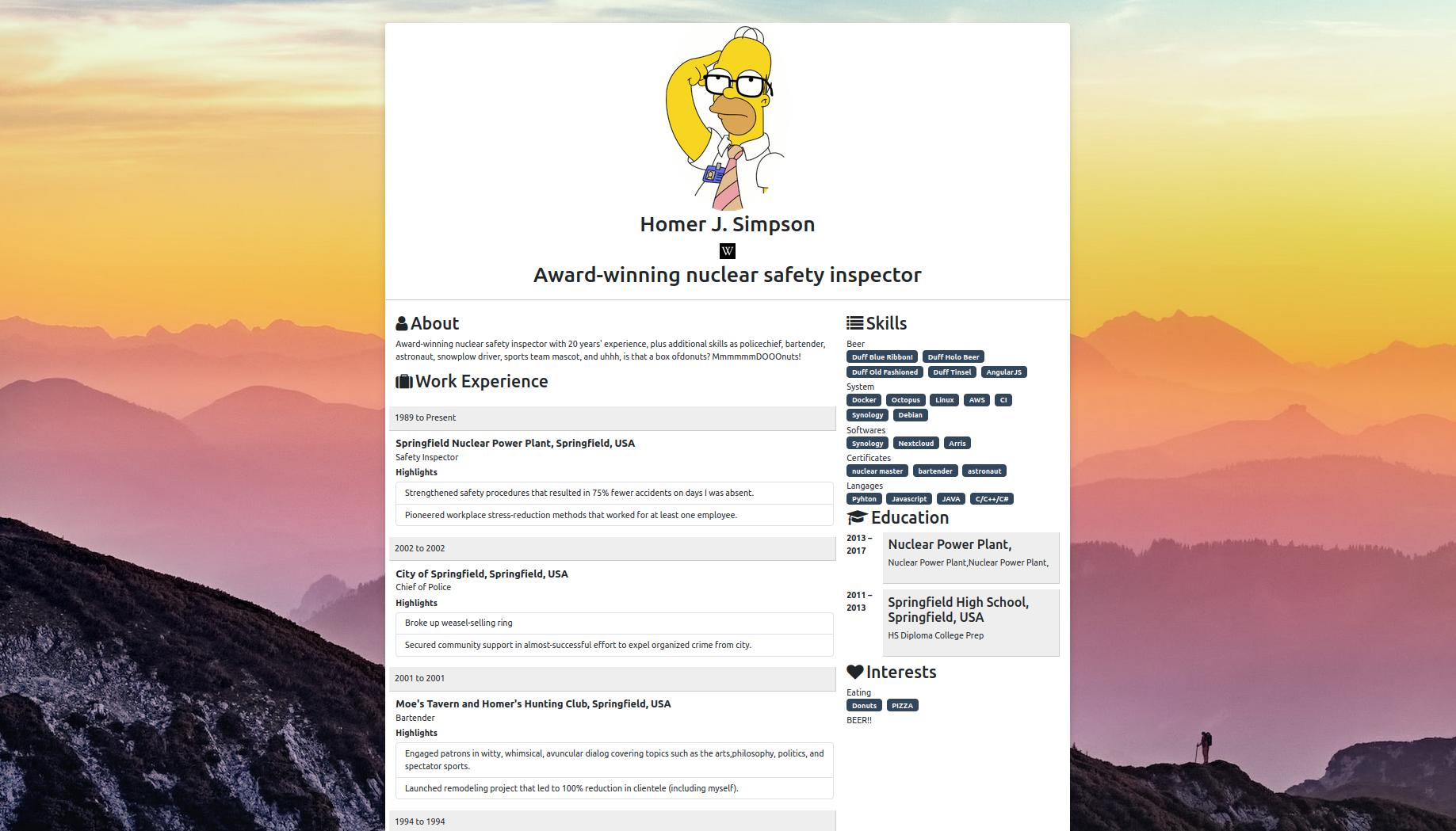
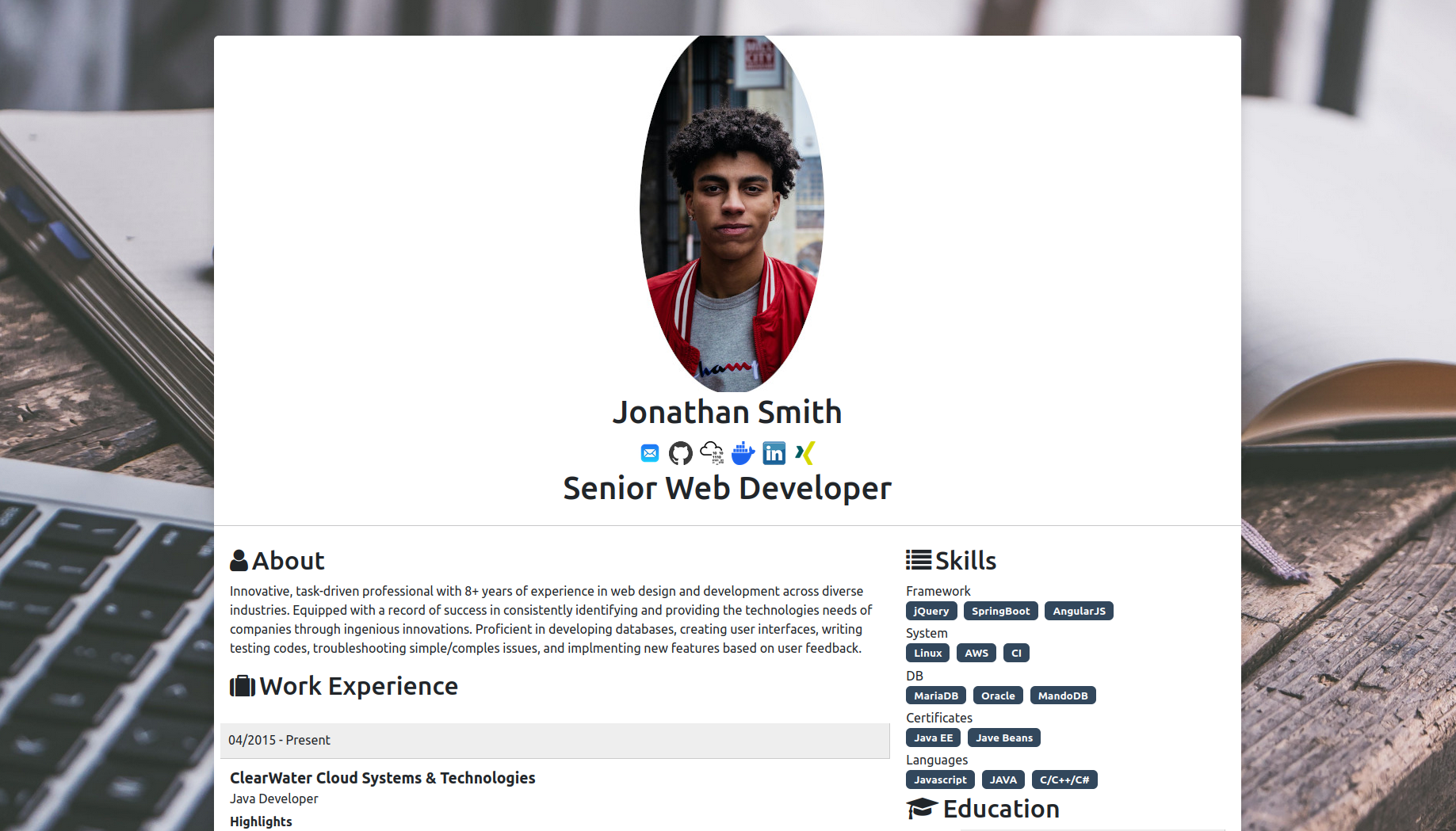
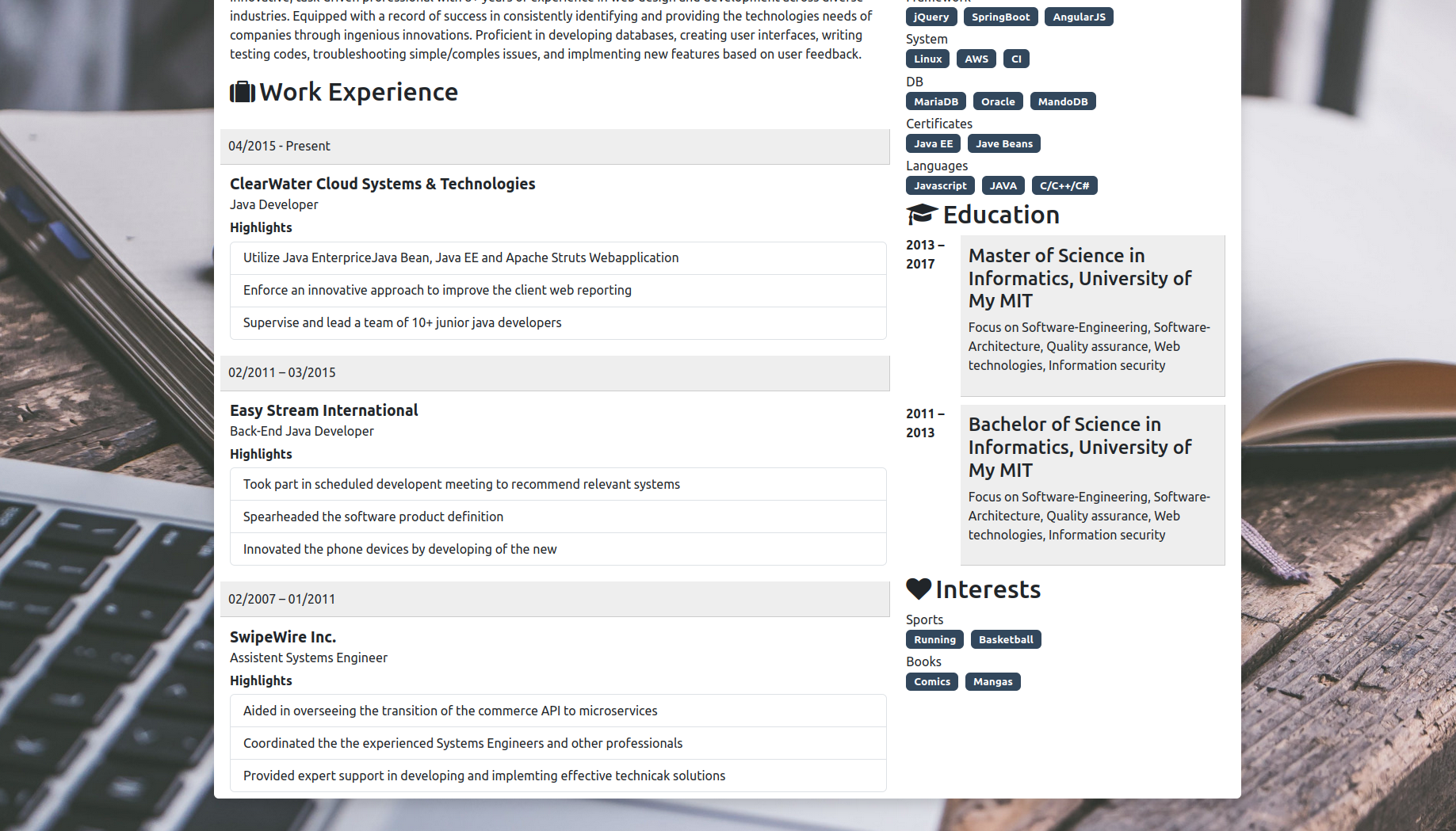
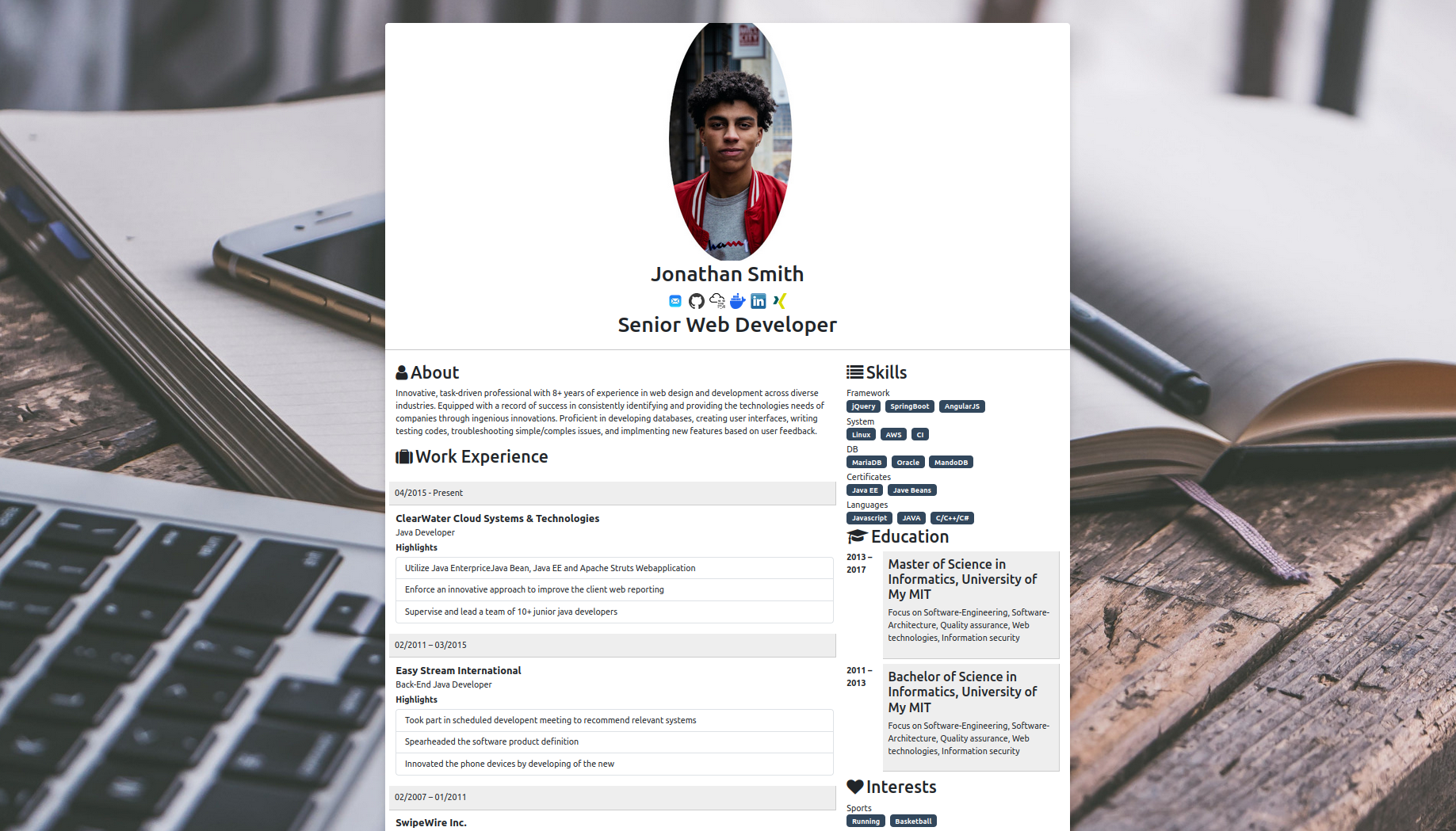


Screenshots
Light

Dark

Built With





Getting Started
To get a local copy up and running, follow these steps.
Usage with Docker
The application is Dockerized, but no project image is published to Docker Hub. Build it locally from this repository or from a Forgejo release:
docker build -t my-resume2:local .
You can run examples from the demos using (mapped to local ports):
docker run --name HomerResume -p 8001:5555 -e example=1 -d my-resume2:local
docker run --name DevResume -p 8002:5555 -e example=2 -d my-resume2:local
To start with your own resume, follow these steps:
-
Create a folder, copy one of the example files like
me.jsonfrom<public/examples/cvExample2>, and add your image asme.jpgand background image. -
Run the following command and add your mount path:
docker run --name MyResume -p 8003:5555 -v <MY_MOUNT_PATH_LOCAL>:/home/node/app/public/ress/mountedRess -d my-resume2:local
Adjusting port: set -e PORT=<port> if you want the container to listen on a different internal port, and update the -p <host>:<container> mapping accordingly.
- Customize your icons and images as described in the instructions.
Usage without Docker
-
Clone the Forgejo repository (or your own fork):
git clone <your-forgejo-repository-url> -
Install NPM packages:
npm install -
Start the app:
npm startThe app listens on env
PORT(default5555). -
Customize the
me.jsonin<public/ress/mountedRess>, add your image asme.jpgand background asbackground.jpg.
Env configuration:
PORT: Port the app listens on (default5555). Example:PORT=8080 npm startexample: Selects built-in data on first run:1forcvExample1,2forcvExample2. Example:example=2 npm start
Required fields in me.json (basic validation):
- Strings:
picture,name,header,about - Arrays:
links,workexperiences,menus,educations,interests
Node version
This project runs on Node 20+ (tested on Node 22). If you use nvm:
nvm install 22 && nvm use 22
Releases and local Docker deployment
Forgejo-native workflows are included in .forgejo/workflows/:
Node CI: Installs dependencies and runs lint on pushes/PRs tomain.Create Forgejo release: Packages the repository and attaches a.tar.gzarchive and SHA-256 checksum to pushed version tags (v*.*.*).
No Docker Hub account, image registry, or Docker Hub secret is required. Download a Forgejo release on the target server and build the Docker image locally:
tar -xzf my-resume2-v5.0.2.tar.gz
cd my-resume2-v5.0.2
docker compose -f compose.release.yml up -d --build
See docs/DEPLOYMENT.md for Forgejo and VPS setup.
Releases
-
Create a semver tag to publish a Forgejo release archive, e.g.:
git tag v5.0.2 && git push origin v5.0.2 -
The release includes the application source and
SHA-256checksum. Docker is built only on the target server.
Changelog
5.0.2 - Client-side PDF + Forgejo release deployment
- Added a polished, browser-only A4 PDF download; résumé data never leaves the browser.
- Updated runtime and tooling dependencies, migrated to ESLint's current flat config, and verified a clean dependency audit.
- Added
/health, Docker health checks, safe first-run résumé seeding, and a non-root persistent-volume setup. - Replaced container-registry publishing with Forgejo release archives and local Docker builds on the VPS.
4.1 - UI Refresh + Content
- Light/dark theme toggle with improved heading contrast and themed cards
- Projects grid, skill levels, testimonial carousel, contact strip
- Extra links (Portfolio/CV) and refreshed screenshots in
docs/
4.0 - Modernize + CI/CD
- Node 22 base image, reproducible Docker builds, non-root run
- PORT env support; unified
exampleenv - Basic me.json validation with clear error messages
- ESLint setup and Node CI workflow
- Docker publish workflow (push
lateston main, semver tags on releases)
3.5 - Major Bugfix and Logging Improvement
- Enhanced logging with log4js
3.4 - New Features
- Added new config enableTestimonials and showTestimonialsInMain
- Option to display testimonials in main content or under interests
v3.3 - New Features
- Enhanced logging with log4js
v3.2 - BugFix
v3.1 - Enhancements and Bug Fixes
- Fixed custom icon loading in mounted resume folder
- Optimized Docker image size and build process
- Improved layout for mobile responsiveness
- Updated documentation
v3.0 - Initial Release
- Project setup and initial configuration
- Added Docker support with sample resume examples
- Basic resume structure with customizable
me.json - Integrated Express, EJS, and Bootstrap for layout and styling
- Provided example resumes (Homer and Jonathan)
Config Explaination
enableTestimonials:
Type: Boolean (true / false)
Description: This configuration controls whether the testimonials section is displayed. If set to true, the testimonials will be shown on the page. If set to false, the testimonials section will be hidden.
showTestimonialsInMain:
Type: Boolean (true / false)
Description: This setting controls the location of the testimonials section. When true, the testimonials will appear in the main content area (below work experience). If false, the testimonials will be displayed under the "Interests" section.
Roadmap
- Client-side PDF export
- Mounted log directory configuration
- Optional selectable PDF themes
See the open issues for a full list of proposed features (and known issues).
Contributing
Contributions are what make the open-source community such an amazing place to learn, inspire, and create. Any contributions you make are greatly appreciated.
If you have a suggestion that would make this project better, please fork the repo and create a pull request. You can also simply open an issue with the tag "enhancement".
Don't forget to give the project a star! Thanks again!
- Fork the Project
- Create your Feature Branch (
git checkout -b feature/AmazingFeature) - Commit your Changes (
git commit -m 'Add some AmazingFeature') - Push to the Branch (
git push origin feature/AmazingFeature) - Open a Pull Request
Contact
Blade34242 - blade34242@gellert-professionals.com
Project Link: https://github.com/blade34242/my-resume2